







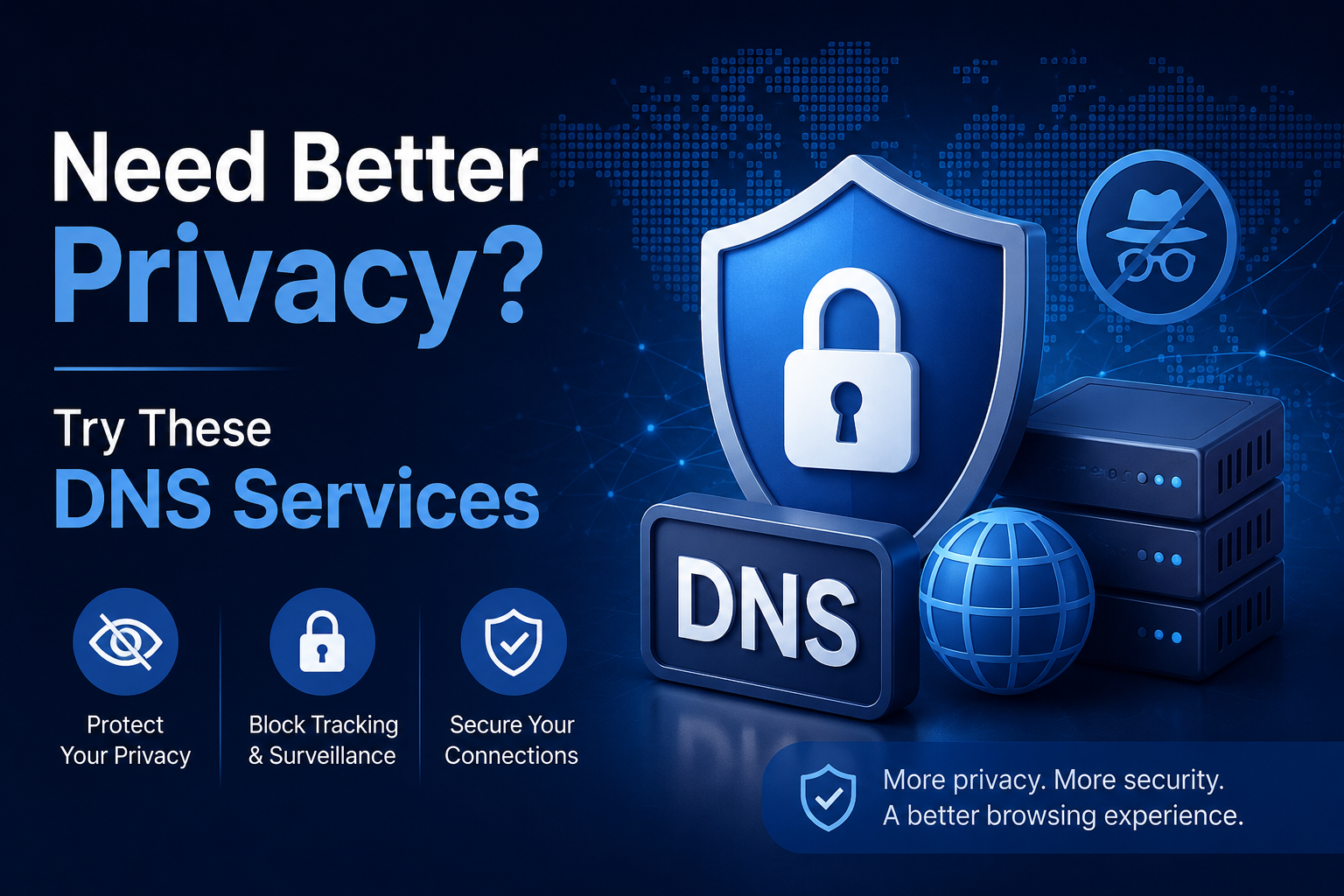

Most people assume a VPN is the only real answer to online privacy. But there's a quieter, often overlooked layer of the internet that has just as much to say about your digital footprint: DNS.
Switching to the right DNS service might be the simplest privacy upgrade you haven’t made yet.
The following platforms each take a different approach to DNS privacy: from flexible consumer tools to enterprise-grade security infrastructure.
How DNS Services Work
Here's the quick version of how it works:
* Every time you type a web address, your device sends a DNS request to translate it into an IP address
* By default, that request goes to your ISP's DNS server, and your ISP logs every single one
* Switching to a privacy-focused DNS means your browsing requests no longer flow through your internet provider's infrastructure
* Many DNS services also block ads, trackers, and malware before they ever reach your device; no software install required
Why Your Default DNS Is a Privacy Problem
Most internet users never touch their DNS settings, which means their ISP quietly handles every lookup by default. That gives your provider a detailed map of every site you visit, every app you use, and roughly when you use them. That data can be logged, analyzed, and in many countries, sold or handed over on request.
Switching to an independent DNS service is one of the fastest ways to close that gap, and it costs nothing to try. If you want a deeper look at how DNS stacks up against a VPN and which one fits your situation, this breakdown from Control D is a solid place to start.
1. Control D

Control D goes well beyond what most DNS services offer. Instead of a simple block/allow switch, it gives you per-service, per-profile control over where your traffic goes and what it reveals.
It also serves as a DNS privacy alternative to VPN for many everyday use cases, allowing users to enhance privacy, enforce geo-restrictions, and control traffic routing without the performance overhead of a full VPN connection.
What makes it stand out:
* Block entire content categories, ads, trackers, malware and social media, using built-in filters
* Redirect specific services to different countries simultaneously
* Create custom rules for individual domains, not just broad categories
* Set up multiple profiles for different devices, stricter rules on a child's device, and fewer restrictions on your work machine
* Supports DNS-over-HTTPS (DoH), DNS-over-TLS (DoT), and DNS-over-QUIC for encrypted queries
* Minimal, configurable logging; you choose what gets stored
* Free tier available for basic privacy and content filtering
Limitations:
- Geo-redirection features require the paid plan
Best for: Power users, families managing multiple devices, and anyone who wants filtering and flexible routing in one place, without needing a separate VPN for geo-access.
2. Cloudflare Gateway

Most people know Cloudflare through its public resolver (1.1.1.1). Gateway is the more advanced product, built for businesses, but accessible to individuals through Cloudflare's Zero Trust free tier.
What it offers:
- DNS-layer blocking for malware, phishing, ransomware, and cryptomining
- Content filtering by category with customizable policies
- Query logging and analytics dashboard; see exactly what's hitting your network
- Visibility into per-device activity across your setup
- Backed by Cloudflare's massive global infrastructure for speed and reliability
- Free tier available under the Zero Trust plan
Limitations:
- Interface and setup are clearly designed for large IT teams
- Configuring policies can feel over-engineered and complex
- Some features require pairing with Cloudflare's WARP client
- Paid plans for full functionality are costly
Best for: Technically confident businesses that want threat-blocking and query analytics and have a large budget to match.
3. NextDNS

NextDNS has become a go-to among privacy enthusiasts for good reason. It packs a remarkable amount of configuration into a dashboard that's actually readable; no networking background needed.
What it offers:
- Dozens of curated blocklists to choose from (ad blocking, tracker blocking, malware, and more)
- Per-device profiles with individual rules and allowlists
- Block specific TLDs, enable parental controls, and set safe search enforcement
- Full support for DoH, DoT, and DNS-over-QUIC
- Analytics tab showing what's blocked, how often, and from which device
- Configurable log retention, or opt out of logging entirely
- Free tier includes 300,000 queries/month; plenty for most individuals
Limitations:
- Free tier query cap can run out for households with many devices
- Lacks the geo-routing/redirection capabilities that Control D offers
- No built-in VPN-like functionality
- Lack of development and support in recent years
Best for: Privacy-conscious individuals who want deep customization without a steep learning curve, and families who want parental controls baked in.
4. Cisco Umbrella

Cisco Umbrella isn't aimed at home users, but it earns a spot here because it’s a giant in the DNS industry..
What it offers:
- DNS-layer threat blocking powered by Cisco Talos
- Blocks malicious domains before any connection is established
- Covers DNS security, secure web gateway, CASB, and firewall functions
- Network-wide deployment with no agent required on individual machines
- Deep reporting, policy management, and integration with the Cisco security stack
Limitations:
- Designed and priced for large organizations; no free tier
- Overkill for small-business use
- Requires IT resources to configure and maintain properly
Best for: IT teams and security professionals managing DNS policy at scale across distributed workforces.
Which One Should You Choose?
* Want the most control over filtering and routing? Control D is the clear pick; it covers privacy, ad blocking, and geo-access in one place, with a free tier to get started.
* Already in the Cloudflare ecosystem? Gateway extends naturally into DNS filtering without adding a new tool.
* Want simplicity with solid depth? NextDNS hits the sweet spot between power and usability, especially if you want per-device parental controls.
* Running a large network? Cisco Umbrella scales really well, but it comes with a price tag to match.
Your ISP's default DNS was never designed with your privacy in mind. Any of the services above is a meaningful upgrade; the best one is simply whichever you'll actually configure and use.
FAQ
* Does switching DNS make me fully anonymous?
No; your IP is still visible to sites you visit. It stops your ISP from logging your queries, but pair it with a VPN for fuller coverage.
* Will it slow down my internet?
Unlikely. Most private DNS services are faster than your ISP's default.
* Do I need to install anything?
No. Just update the DNS settings on your router or device; it takes a few minutes.
* Is DNS the same as a VPN?
No. DNS only handles domain lookups; a VPN encrypts all your traffic. Here's a full breakdown.
* Does it work on mobile?
Yes. Android and iOS both support encrypted DNS natively in network settings.



Post Comments