








Author: Dejan Kvrgic
Dejan Kvrgic is the Senior Marketing Manager at AppMakers USA and serves as CMO, responsible for growth strategy and acquisition planning. With 10 plus years in digital marketing, he focuses on positioning, channel execution, and performance measurement that ties back to real customer demand. Outside of work, he spends time on sports, outdoor activities, gaming, and flying drones.
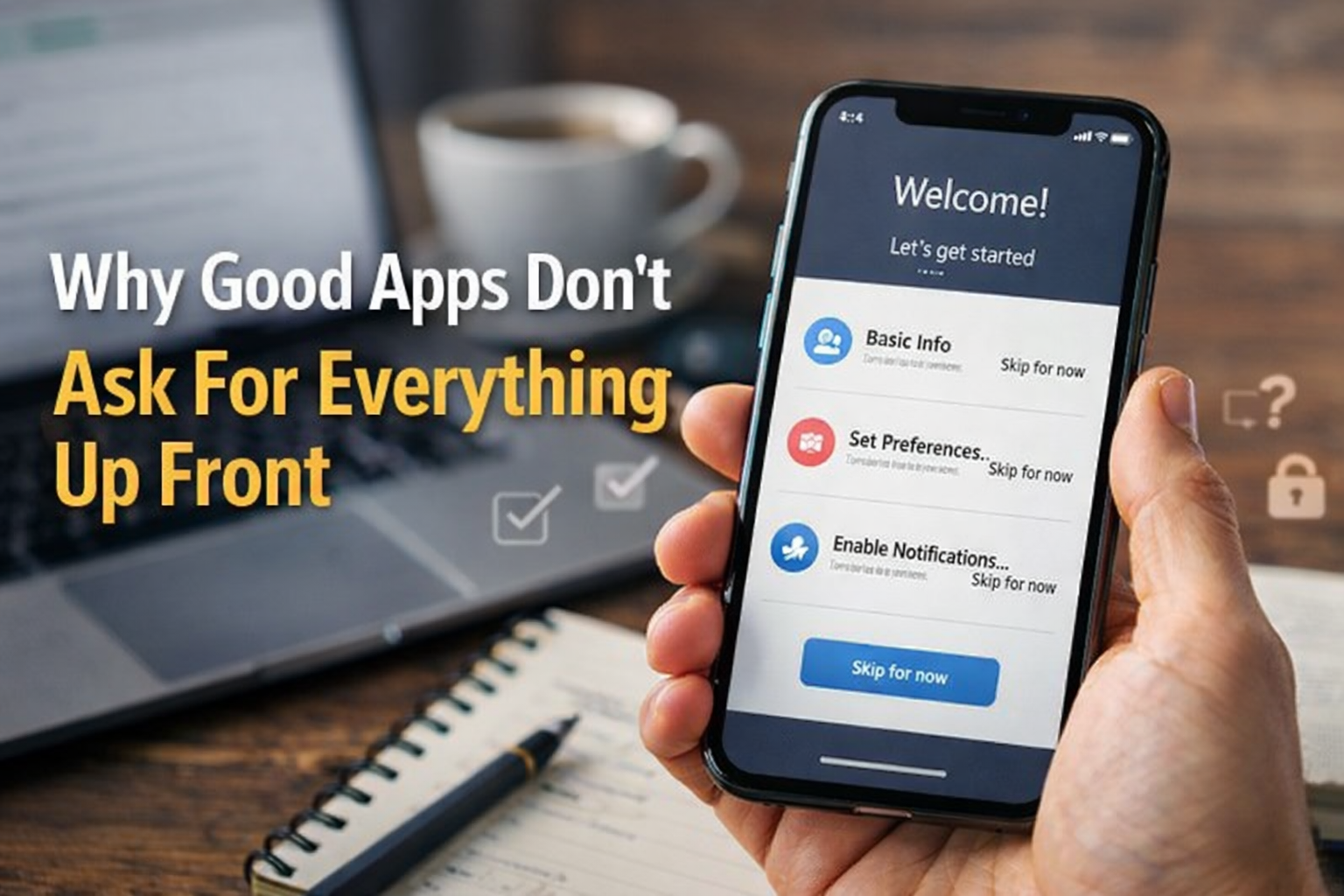
A lot of apps lose trust before they even get a fair shot.
Not because the product is broken. Not because the idea is weak. Because the app asks for too much, too early, in a way that feels weird.
You open it for the first time and before you do anything useful, it wants your location, your contacts, your camera, your notifications, maybe your microphone too. At that point, the user is not thinking about product potential. They are thinking, “Why does this app need all of that already?”
That moment matters more than teams like to admit.
Permission prompts are not just technical requirements. They are trust moments. If you handle them badly, people back out, deny access, or decide the app feels sketchy before they even understand what it does.
If you handle them well, the same user often says yes without much hesitation.
That is the difference this article is really about.
1. Users are not rejecting permissions. They are rejecting bad timing
A lot of teams talk about permissions like the problem is the permission itself.
It usually is not.
The real problem is timing.
If a food delivery app asks for a location after you tap “Find restaurants near me,” that feels normal. If it asks the second you open the app, before you even know how the product works, that feels off.
Same permission. Completely different reaction.
This is where a lot of first-session friction starts. The user has not seen any value yet, so the request feels like a risk with no payoff.
That is why the best apps usually delay non-essential permissions until the feature actually needs them. The user understands the context. The ask feels earned.
2. Asking for everything up front is lazy product design
This is one of the most common mistakes in app onboarding.
A team wants the cleanest technical flow, so they ask for everything at the beginning:
- location
- notifications
- photos
- contacts
- microphone
It feels efficient internally. For the user, it feels like a red flag.
Most people do not want to make four privacy decisions before they even get to the first useful screen.
That is why good onboarding usually follows a simpler rule:
Ask only for what is necessary to unlock the next useful moment.
Nothing else.
Everything beyond that can wait.
This matters even more in crowded app categories where users have alternatives. If the onboarding already feels pushy, they will just leave and try another app.
That is not a permission problem. That is a product problem.
3. The explanation matters almost as much as the request
Even when an app does need access, the wording still matters.
A vague system prompt with no setup can feel abrupt. A quick human explanation before the prompt changes the whole tone.
For example:
Bad: “Allow location access?”
Better: “We use your location to show nearby service providers and accurate delivery times.”
One sounds invasive. The other sounds useful.
This is where a lot of teams underinvest. They spend weeks polishing home screens and brand colors, then treat permission copy like a legal chore.
But the language is part of the product. If the explanation feels cold, generic, or evasive, users notice.
A good permission explanation usually does three things:
- says what the app wants
- says why it helps the user
- says what happens if they say no
That last part matters more than people think. Users trust apps more when they do not feel trapped.
4. Notification permission is where a lot of apps lose the room
This one gets mishandled all the time.
Too many apps ask for notification access before the user has done anything worth remembering. There is no trust yet, no habit yet, and no reason for the person to believe those notifications will help.
So they say no.
And honestly, most of the time they are right to.
A better approach is to earn the ask.
For example:
- after the user saves something they want updates on
- after they complete a booking and want reminders
- after they start a habit or goal they may want support with
Now the permission makes sense.
The app is not saying, “Let me interrupt you later.” It is saying, “Want me to help you stay on track with something you already said you care about?”
That is a very different conversation.
5. Location, camera, microphone, and contacts need stronger trust signals
Some permissions are more sensitive than others.
Users are usually more cautious with:
- location
- microphone
- camera
- contacts
That caution is reasonable.
If an app requests one of these too early or for a weak reason, users do not just deny it. They start questioning the whole app.
This is where teams need to be honest with themselves.
Does the app really need this permission now?
And if the answer is yes, is the reason clear enough that a normal person would agree with it without a long explanation?
If not, the request probably is not ready.
This is one reason experienced teams offering mobile app development services matter in user-facing products. The hard part is not just wiring the permission up technically. It is designing the flow around it so the request feels natural instead of suspicious.
Because once the user starts feeling suspicious, the rest of the app has to work twice as hard to recover trust.
6. Good apps make “no” survivable
This is another place where weak apps expose themselves quickly.
A lot of products behave like this:
- ask for permission
- user says no
- core experience falls apart
That tells the user the app was never designed properly. It was designed assuming compliance.
Strong products handle denial more gracefully.
Examples:
- if location is denied, let the user search manually
- if notifications are denied, show in-app alerts later
- if photos are denied, let the user browse the product first and ask again only when they try to upload
This is not just good UX. It is good business.
When “no” leads to a dead end, users leave. When “no” still leaves a useful path open, they are much more likely to keep going and maybe say yes later.
A permission prompt should not feel like a trap door.
7. The best permission flows feel almost invisible
That is usually the sign you got it right.
The app asks at the right moment, the reason is obvious, and the next step is clear. The user does not sit there wondering what is going on.
This is especially important in the first session.
The first few minutes of an app are already doing a lot of work:
- proving the product is useful
- helping the user understand the flow
- creating trust
- reducing hesitation
If the app overloads that moment with badly timed permission requests, it undercuts all of it.
The best apps keep the early experience cleaner. They let the user get some value first, then ask for access in context.
That does not just improve permission acceptance. It makes the whole app feel more thoughtful.
8. Permission strategy is part of retention strategy
Most teams think about permissions as onboarding details.
They are bigger than that.
They affect:
- first-session completion
- trust
- return usage
- retention
- reviews
If users feel uncomfortable in the first session, many of them will not say, “I disliked the permission flow.”
They will just disappear.
That is why product teams should treat permission requests as part of the retention conversation, not just the compliance conversation.
A smoother permission strategy often means:
- better first impressions
- fewer early drop-offs
- stronger feature adoption later
That is a real product win.
Good permission design is really trust design
At the end of the day, this is not about whether users “like” permission prompts. Nobody likes permission prompts.
What users respond to is whether the app feels fair.
If the request makes sense, happens at the right moment, and leaves room to say no without breaking everything, the app feels more trustworthy.
If it asks too much too soon, or makes the user feel cornered, the app feels pushy.
That difference shapes the first impression fast.
And once a bad first impression settles in, most apps do not get many second chances.
That is why permission strategy is not a small UX detail.
It is one of the first trust decisions your product makes.





Post Comments