







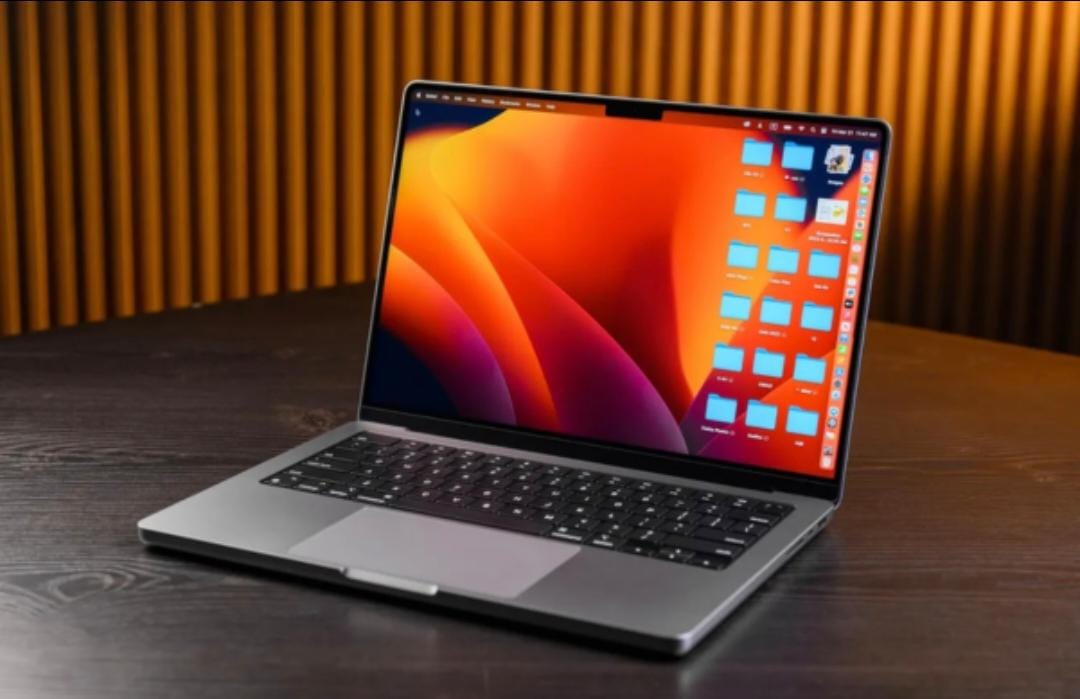

We live in an era where replacing our laptop every 2-3 years feels like a norm. Companies launch new models every year, and it also feels cool to upgrade for more features.
However, buying new laptops every 2-3 years is not good for your pocket and, most importantly, for the environment.
Most laptops don't die due to old age but slow down because of wrong daily habits, keeping unwanted clutter, and a lack of physical maintenance.
If you follow some smart habits discussed in the blog below, you can easily increase the life span of your laptop to 5 years and beyond. So, are you ready to do some good deeds for your pocket and the environment? Let’s go!
Stop Killing Your Battery in the First Year
I remember when I bought my first laptop, a MacBook. Its battery used to last for 12-15 hours, but after some time, it reduced to 7-8 hours.
That's why I always recommend people to follow the "40-80 rule." Keep the battery charge between 40% to 80%. This reduces stress on the battery cells and increases the life span of your battery.
Many people have a misconception that keeping a 100% battery charge is good. But trust me, this is the worst thing you can do to your laptop. So, take care of the battery health of your laptop if you want to use your laptop peacefully for 5+ years.
Give Your Hard Drive Some Breathing Room
Most people think that if they have 512 GB of space, they can fill it fully. However, you should keep at least 10-15% of space empty so your laptop can function properly.
What I do is, I check and remove all the software and apps that are no longer useful. High-quality videos also take up a good amount of space, so I remove them too or keep them in the cloud.
One small thing you can do to keep some space in your hard drive is to clean your downloads folder regularly. We download a lot of files on a regular basis that are no longer useful. Set aside 15 minutes every week and remove old files that you no longer need.
Upgrade Your RAM
If your laptop is slow, then in most cases, upgrading the RAM will solve the problem for you. Adding more RAM is much cheaper than buying a new laptop.
I remember my MacBook used to lag a lot when I was multitasking. I thought it's time to buy a new Mac now. But thanks to my friend who advised me to upgrade RAM. I searched online How to upgrade MacBook Pro memory and, boom, my Mac was working like it's brand new.
Whether you do video editing or just basic office work. Upgrading RAM is one of the best ways to increase the life span of your laptop.
Use the cloud wherever possible.
Move those large files to the cloud that you don't need anymore. Why make your laptop sluggish with those large folders when you can keep them in the cloud and access them whenever you want?
If you are a Mac user, you can use iCloud, and if you are a Microsoft user, you can use Microsoft OneDrive. You can also use third-party cloud providers like Google Drive or AWS.
This habit of keeping large folders in the cloud can single-handedly improve the lifespan of your Mac and will also increase your laptop's speed.
Keep it clean, cool, and protected.
Keeping your laptop's hardware clean is one of the most basic pieces of advice you will get. But trust me, it is one of the most important things.
If you don’t clean it, dust will build up inside the vents. It will stop heat from flowing, and over time, it will damage the internal components.
When you are working, avoid working from bed with a laptop on a blanket. This suffocates the fan from airflow and slowly damages the laptop.
When you are traveling, keep a laptop case with you. Never keep it with other electronic items. Always keep your laptop in that case, which protects it from heavy heat and from other physical damages.
I have a habit of cleaning my laptop every three days or at least once a week. It's been more than five years, and my laptop works like a new one.
Conclusion
If you want your laptop to survive five good years with you, then the only thing you need to do is "maintenance." It is not about luck; it is about how disciplined you are and keeping your laptop organized.
Yes, laptop life depends upon processors, hardware, and overall laptop quality. But regular checks and some quick maintenance can increase its lifespan too.
If you follow the suggestions shared in this blog, then you will definitely see results.
One small thing you can do today is set aside 10 minutes for a quick laptop check. Check the battery health and delete one big file you no longer need.
I hope your laptop works for not just five but even 10 years. All the best!





Post Comments